How it works
Three ways to train. One AI.
TrainAR captures how your best engineers solve real problems, then delivers that expertise live on the job. Start with just your phone, add lightweight glasses, or go fully hands-free. Every level runs the same TrainAR AI.
The same AI, however you wear it
Whichever level you choose, the engine underneath is identical. Expertise goes in, live on-the-job guidance comes out.
Capture
Your best engineers record how they really solve the job. TrainAR turns it into structured, step-by-step procedures, not a video to rewatch.
Compose
The AI builds a live training session from many experts' procedures, your manuals and your job data, tuned to the exact task in front of the trainee.
Guide
On the job, the AI talks the trainee through the work, answers questions, shows the right diagram and checks the result, in real time.
The three levels
Pick the setup that fits the job

TrainAR Lite
The app on its own. No glasses.
The full TrainAR AI in a mobile app on your phone or tablet.
Open the app, talk to the AI, point your camera at the job for live answers, and read exploded diagrams and manuals right on screen.
Trying TrainAR, light trainee use, or grabbing ad hoc help on a job.
Trainee use. With no glasses camera feeding a hands-free POV stream, it is not used for capturing expert procedures.
Just a phone or tablet.

Mobile App + AI Glasses
Lightweight Mentra glasses, visuals on your phone.
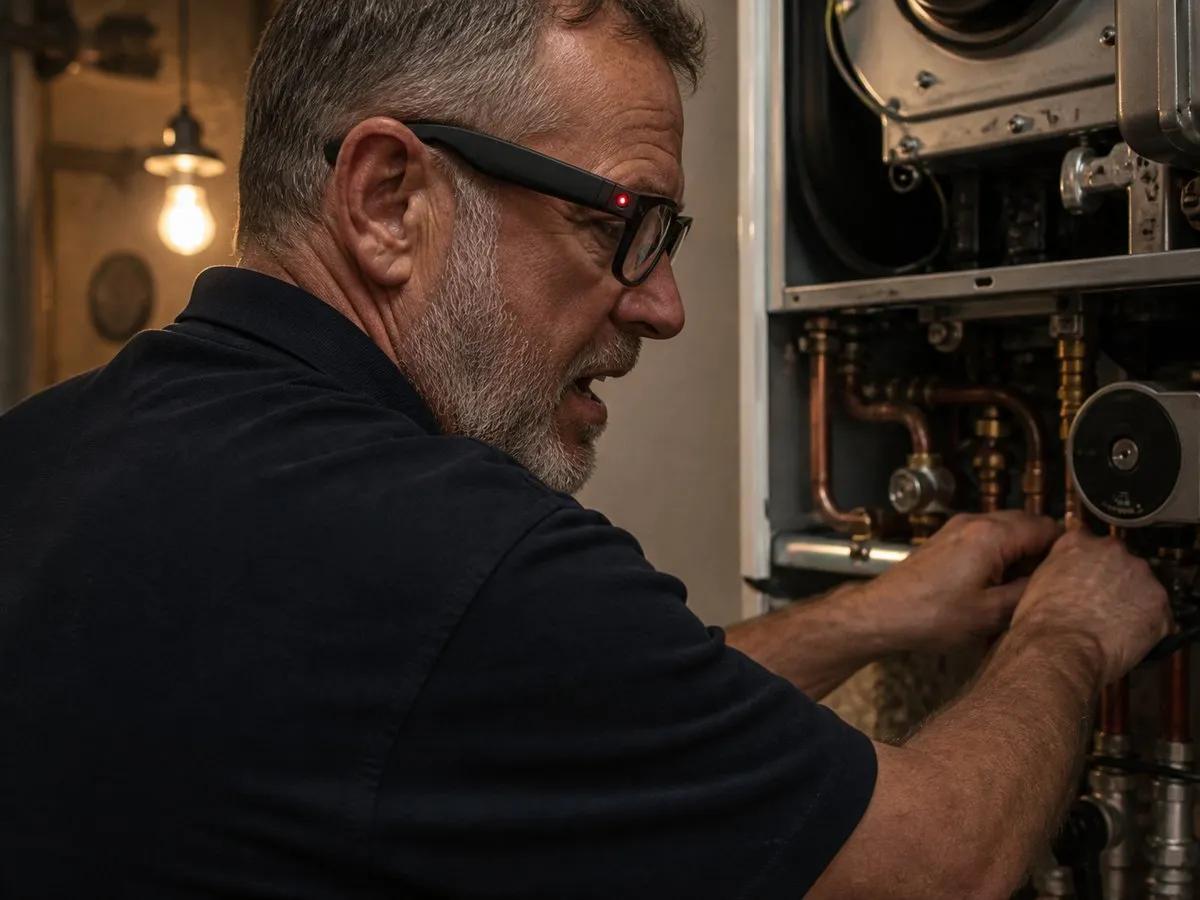
The mobile app paired with featherlight Mentra Live glasses.
The glasses give the AI your point of view and speak guidance straight into your ear, while diagrams and step-by-step visuals appear on your phone or tablet. Your hands stay on the work.
Everyday training for trainees, and experts capturing their know-how. The best balance of comfort, price and capability.
Captures the POV stream just like the full AR glasses, so it works for trainers and trainees. Visuals show on your phone, not in the lens.
A phone or tablet plus Mentra Live glasses.

Completely Hands-Free
Everything in your field of view.
Professional AR glasses with a display built into the lens.
Visuals, diagrams and step-by-step guidance appear directly in your field of view, completely hands-free. Nothing to hold, nothing to glance down at.
Hands-free work where looking at a phone is not practical, and teams who want the full in-lens experience.
Works for trainers and trainees. The richest, most immersive level.
A phone for setup plus INMO Air 3 or Vuzix Blade 2.
The hybrid glasses
Meet Mentra Live
Lightweight AI glasses that look and feel like a normal pair. They give the AI your point of view and your voice, while your phone or tablet does the heavy lifting and shows the visuals. It is the sweet spot between the mobile app and full AR glasses, and our recommended way to train.
See Mentra pricing
What they do
- Featherlight at around 43g, comfortable to wear all shift, with no heat on your head.
- A 12MP camera gives the AI your exact point of view for point-and-show help.
- Built-in microphones and speakers, so the AI listens and talks to you hands-free.
- Charge them from your phone. They ship with a charging case and USB-C cable.
Good to know
- No display in the lens. Diagrams and manuals show on your phone or tablet, which keeps the glasses light and affordable.
- Around 45 minutes of use per full charge, so the charging case and cable are there to top up between jobs.
- For the in-lens, fully hands-free experience, step up to the Full AR glasses.
Side by side
Compare the three levels
| Mobile Only | Hybrid (Recommended) | Full AR Glasses | |
|---|---|---|---|
| What you wear | Phone or tablet | Mentra Live glasses | INMO Air 3 / Vuzix Blade 2 |
| Visuals shown on | Phone / tablet | Phone / tablet | In the lens |
| Hands-free | Phone in hand | Voice hands-free | Fully hands-free |
| Trainers + trainees | Trainee / ad hoc | Both | Both |
| Captures POV | No | Yes | Yes |
| Hardware from | Free | £35/mo | £58 to £70/mo |
Not sure which level?
Start free on your phone and add glasses whenever you are ready. Same AI, same login, no rebuild.