
Works with what you already run
Nobody is asking you to move your business onto something new. TrainAR sits on top of the job system you have and gives it back what happens on site.
- 13systems connected
- 7job management platforms
- Both waysjobs in, record back
The seven we connect to
-
 Live
Live ServiceM8
Jobs and diary notes move both ways. Your engineer pulls up the job on the glasses and posts notes back without touching a screen.
See the 12 voice tools -
 Live
Live Commusoft
Jobs and engineers stay in step. What happens on site lands back in the job it came from.
See the 11 voice tools -
 Live
Live Jobber
Jobs and crews sync both ways. The session summary posts back to the visit that started it.
See the 10 voice tools -
 Live
Live Simpro
The fullest one. Pull job, customer, parts and asset detail by voice, and send notes, photos and forms straight back.
See the 17 voice tools -
 Live
Live Payaca
Jobs come in, and session summaries and finished forms go back to the job as PDFs.
See the 11 voice tools -
 Coming soon
 Powered Now
Jobs flow in as they change, and training notes and reports post back. Job lookup by voice on the glasses.
See the 8 voice tools -
 Live
Live BigChange
JobWatch jobs sync in and completion notes post back.
See the 10 voice tools
- Live is connected and running today.
- Coming soon is built and in testing, and you can ask to be on it.
What your engineer can say out loud
Your engineer can do 79 things inside your own system just by talking, with both hands still on the job and gloves on.
-
 ServiceM8 12 voice tools
 Find the work
- Your dayBooked visits with times, job numbers and addresses
- Any jobFound from the description, the address or the number
- The whole jobStatus, description, address and customer
- The team scheduleWho is booked when, and on what
Look things up
- A customerFound by name
- Their historyWhat was done for them before, and when
- The staff listEveryone on the account
Update the job
- Job notesRead back to you, then written to the diary
- Photos and filesAttached straight to the job
- Job statusQuote, work order or completed
- Part requestsRaised from site for the office to source
- Follow-upsFlagged for the office to book a return visit
-
 Commusoft 11 voice tools
 Find the work
- Your diaryBooked jobs with times, customers and addresses
- The whole jobWith its notes and its history of messages
Look things up
- A barcodeIdentifies the appliance in front of you
- The asset registerWhat is installed at the property, before you arrive
- Appliance detailMake, model and fuel
- A customerFound by name, address or postcode
- Their historyWhat has happened at this property before
Update the job
- Job notesWhat you found, read back to you before saving
- A new applianceRegistered on the customer record the moment you fit it
- Part requestsRaised so the office can source them
- Follow-upsFlagged for the office to book a return visit
-
 Jobber 10 voice tools
 Find the work
- Your dayVisits with times, job numbers and titles
- The whole jobStatus, instructions, client and address
- The team scheduleWho is booked when
Look things up
- A clientFound by name
- Their historyWhat work was done before
- The team listEveryone on the account
Update the job
- Job notesRead back to you before saving
- PhotosAttached straight to the job
- Part requestsRaised from site for the office to source
- Follow-upsFlagged for the office to book
-
 Simpro 17 voice tools
 Find the work
- Your active jobsWhat is on your plate right now
- Booked visitsYours or the team's
- The whole jobCustomer, site, status and dates
Look things up
- The parts catalogueSearched by name, part number or description
- Site equipmentBoilers, air conditioning, fire alarms
- Asset detailMake, model, serial and service level
- The customerTheir details
- The siteAddress and contact for where the work is
- Parts and labourThe job's cost centres
- Existing notesWhat is already on the job
- Custom fieldsTheir current values
- Available formsWhich ones this job can use
Update the job
- Job notesWhat you did, the parts used and what you found
- Photos and filesAttached straight to the job
- A formGenerated and attached to the job
- A form you madePulled up again
- A custom fieldSet by voice
-
 Payaca 11 voice tools
 Find the work
- Today's visitsWhat is booked in
- Any jobSearched for out loud
- The whole jobAll of its detail
Look things up
- The customerTheir details
- Custom fieldsThe ones your account uses
Update the job
- Job notesRead back to you before saving
- Photos and filesEvidence of the visit
- Pipeline stageMoved along as the work progresses
- A completed formAttached to the job
- Custom field valuesFilled in on the job
- Job detailsUpdated by voice
-
 Powered Now 8 voice tools
 Find the work
- Today's appointmentsWhat is booked in
- Any jobFound by description or project number
- The whole jobAll of its detail
Look things up
- The customerTheir details
Update the job
- Job notesRead back to you before saving
- A completed formAttached to the job
- Open or closedThe job status, set by voice
- Job detailsUpdated by voice
-
 BigChange 10 voice tools
 Find the work
- Your dayPlanned times, references and customers
- Any jobFrom the reference, the number or the customer
- The whole jobIncluding its trail of status changes
- The team scheduleThe jobs planned for the day
Look things up
- A customer or siteFound by name
- Their historyWork done there over the last twelve months
- The engineer listEveryone on the account
Update the job
- Job notesRead back to you before saving
- Part requestsRaised from site for the office to source
- Follow-upsFlagged for the office to book
Most integrations just copy data across
- 01
The job comes in
Today's jobs land on the glasses with the customer, the address and the history attached. Nobody types anything twice, and the right procedure is loaded before the van pulls up.
- 02
The work happens hands-free
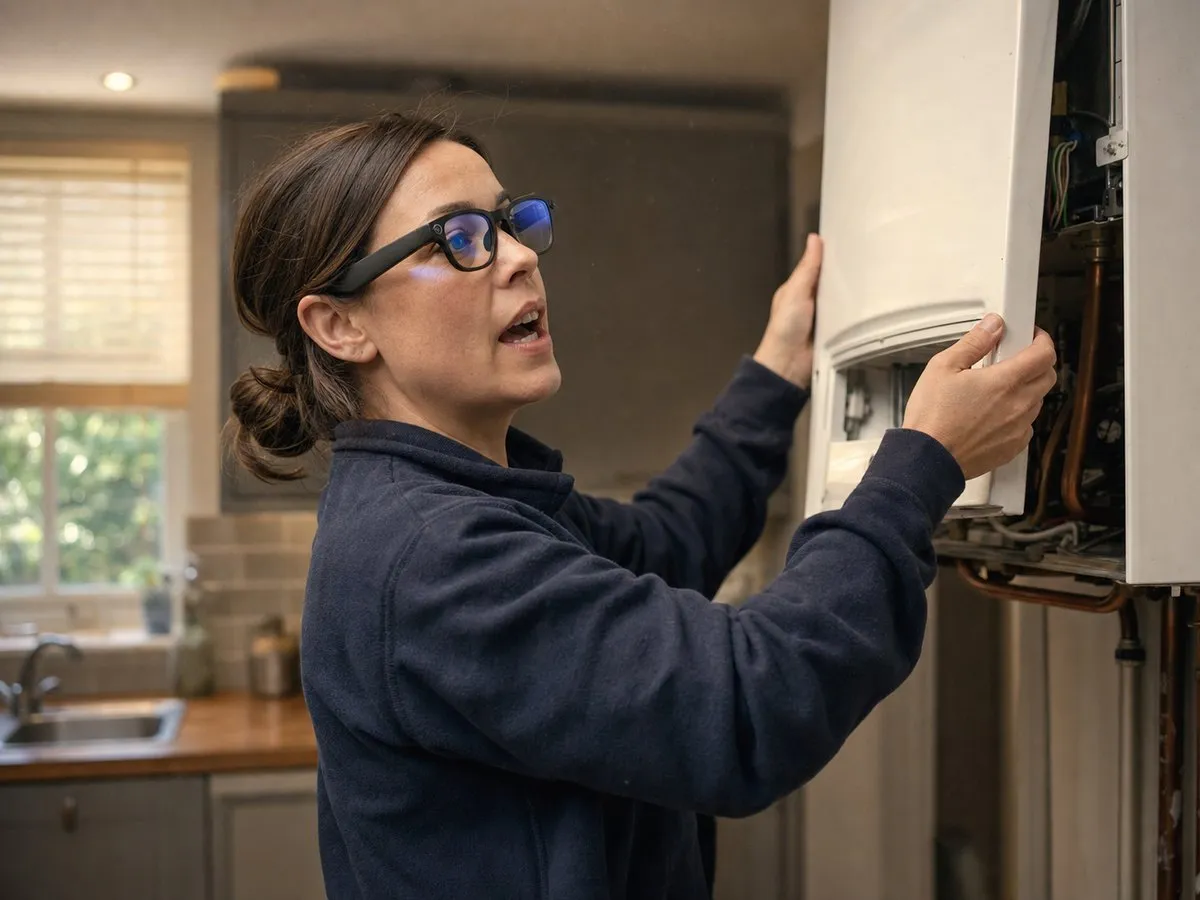
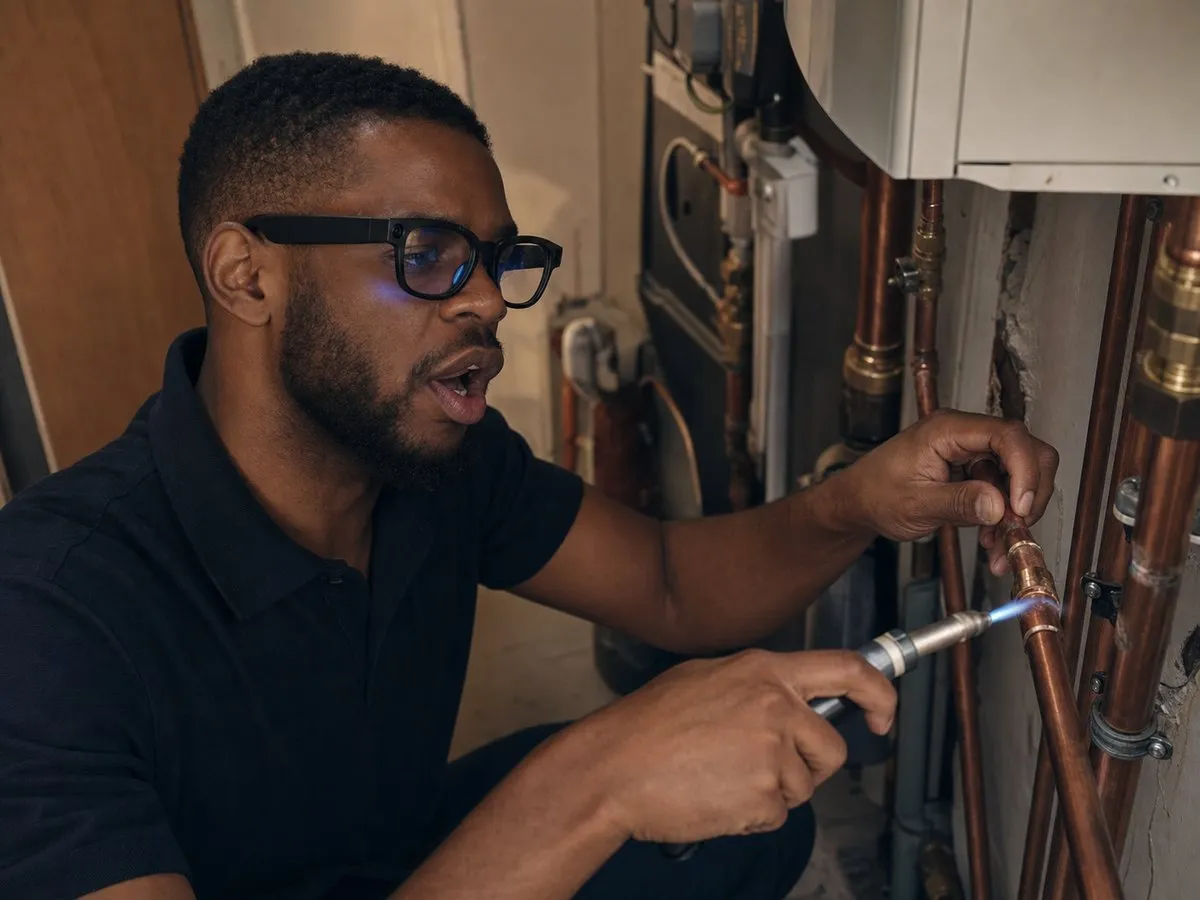
Your engineer updates the job out loud, with both hands still on the boiler and gloves on.
- 03
The record goes back
Notes, photos and finished forms post back into the same job in your system, while the office watches it happen.

Parts, reporting and the rest
-

Parts Arena
Parts catalogue LiveThe UK boiler parts catalogue on the glasses. Identify the boiler and call up diagrams, manuals and part numbers out loud. Comes with the Parts & Spares bundle.
-

Tugger
Reporting LivePut training data next to your job system and your accounts, and ask a plain question to get a straight answer.
-

Zapier
Automation LiveJoin TrainAR to thousands of other apps without writing any code.
-

n8n
Automation LiveTrainAR is a community node, so you can build your own flows and host them yourself.
-

Twilio
Messaging LiveText a customer or the office by voice from site, sent from your own number.
-

Resend
Email LiveEmail a report, a certificate or the photos by voice, sent from your own domain.
-

REST API
Build your own LiveIf you run something we have not built for, your developer can connect it to sessions, tasks and users directly.