
Dashcam in work van: what changes when you start watching the driver
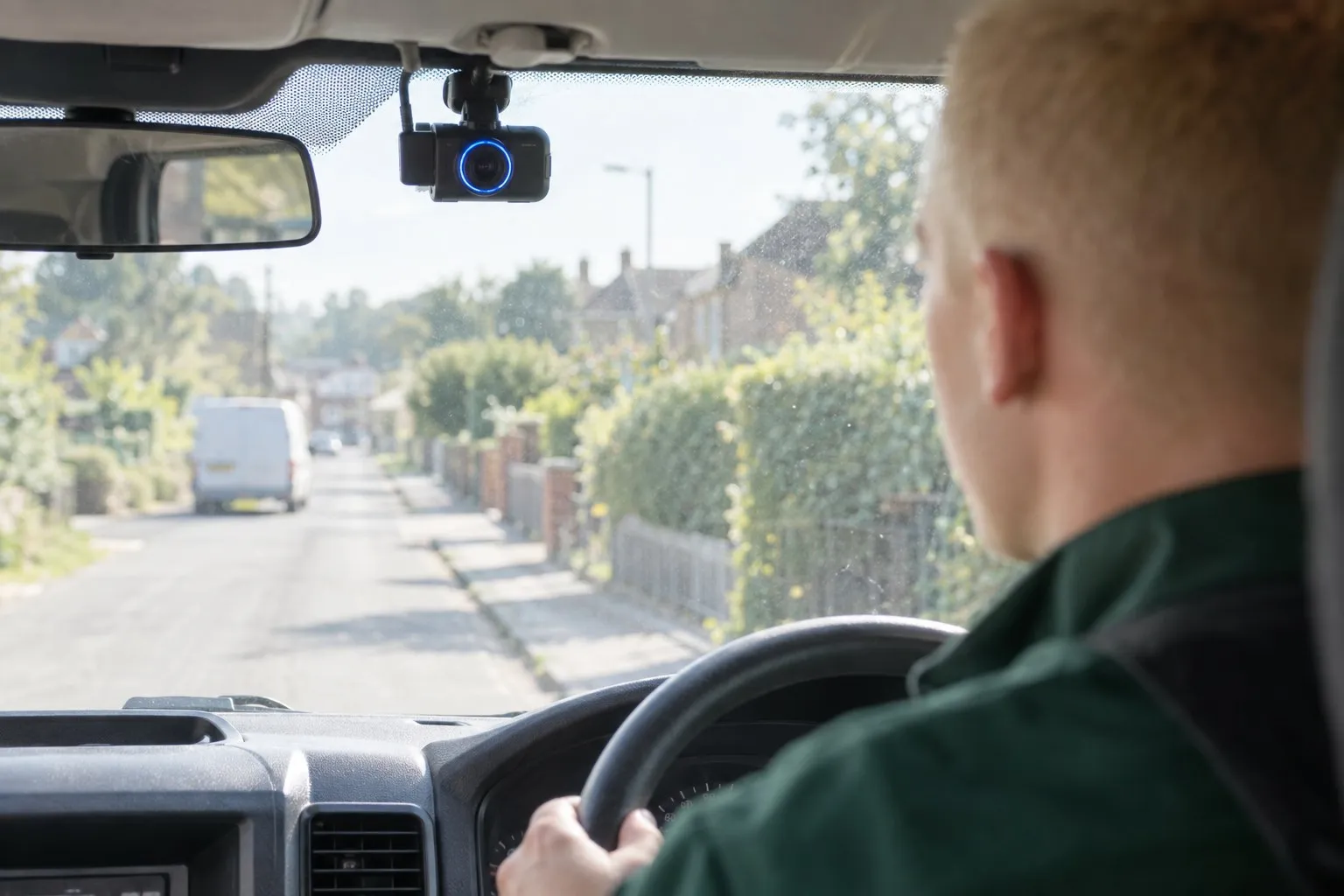
A camera fitted for collision evidence can become a way to watch staff. Each setting needs a reason, especially when the van spends the night outside your technician's house.
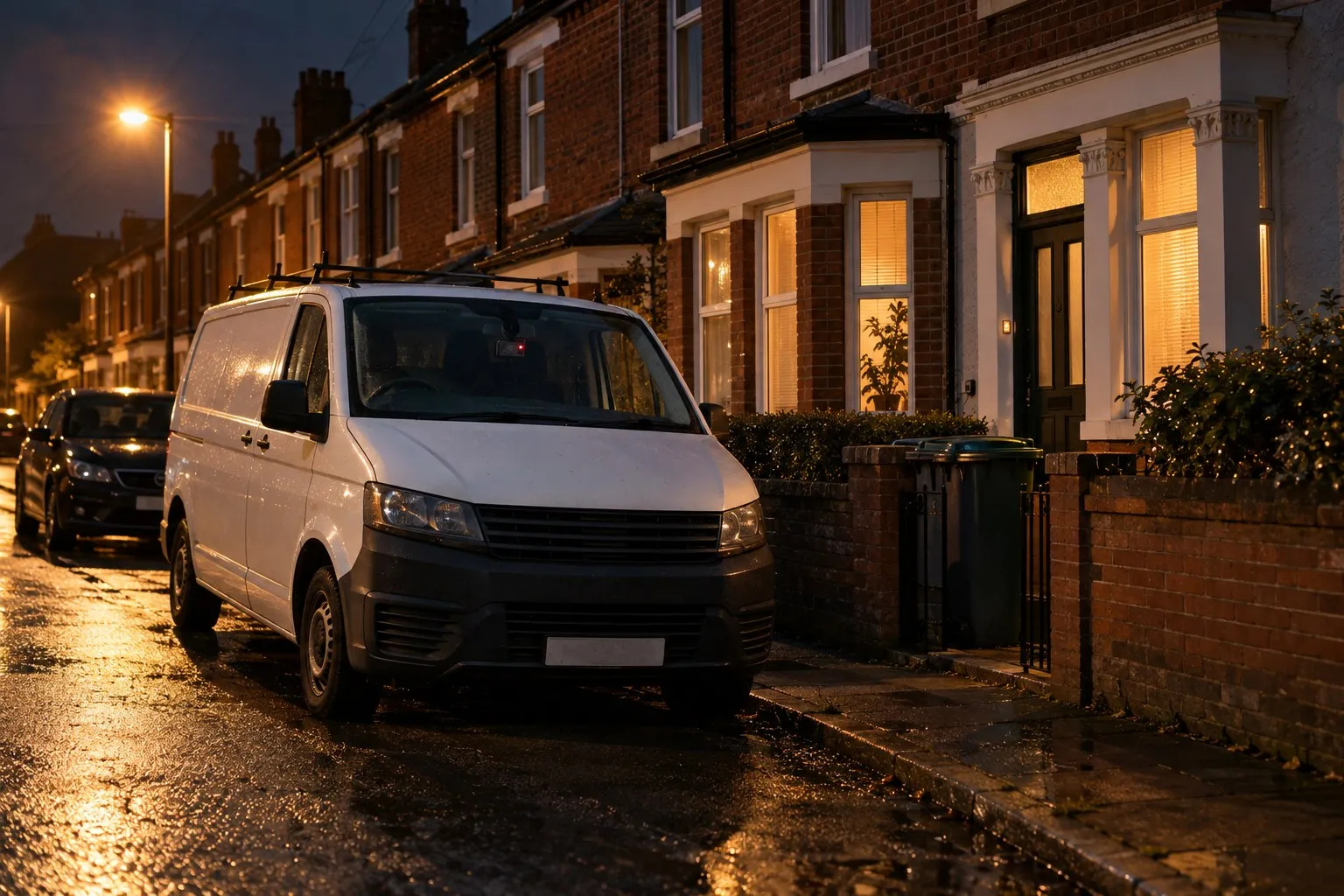
“It’s in case someone runs into us.” A reasonable starting point, and perhaps the only purpose your technicians have heard.
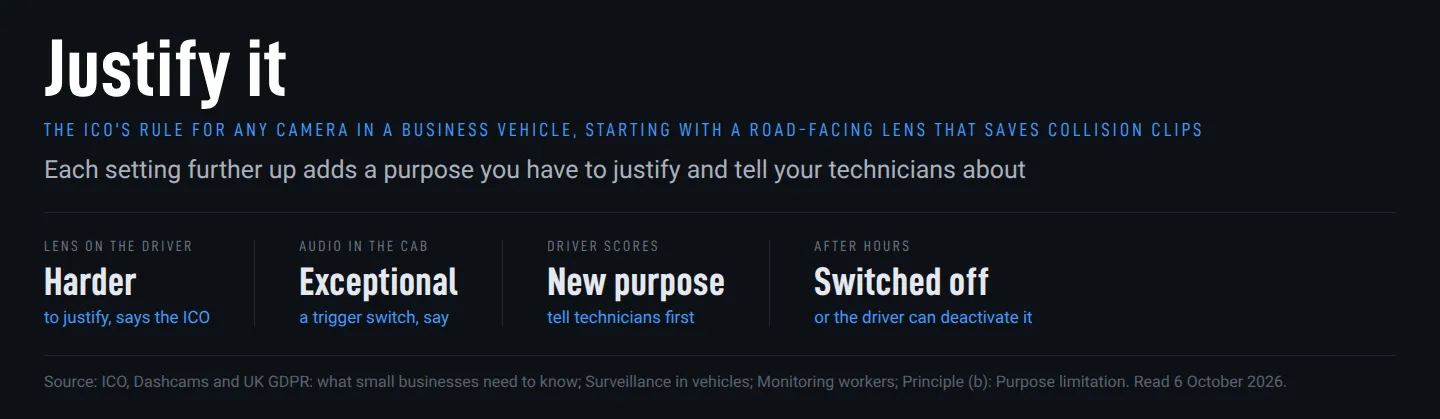
Yes, an employer can fit a camera, as long as it can justify it and tell the people it records. That is the short answer on a dashcam in work van fleets from the ICO’s small-business guidance, read on 6 October 2026. Its worked example is an owner who records for insurance claims: if she starts using the footage to monitor work performance, she has to update her policies and tell her staff first. Where business vehicles make personal journeys, the same page says cameras should be switched off during non-working hours.
A van camera works like smart glasses at work in one respect: it goes wherever your technician goes, so the way you set it up decides how much of their day you see.
The road-facing dashcam in a work van
With the lens facing the road, the people recorded include other motorists and pedestrians. The ICO’s formal “Surveillance in vehicles” guidance describes in-vehicle systems that save footage automatically after a crash or sudden stop.
The small-business guidance asks whether a less intrusive method could achieve the benefit, and you need to tell people you are recording them, customers in or near the van included. It adds that this can be as easy as a sticker on the vehicle.
If you have no vehicle policy yet, it can start with one line, such as “evidence if the van is in a collision”, explained to technicians before recording begins.
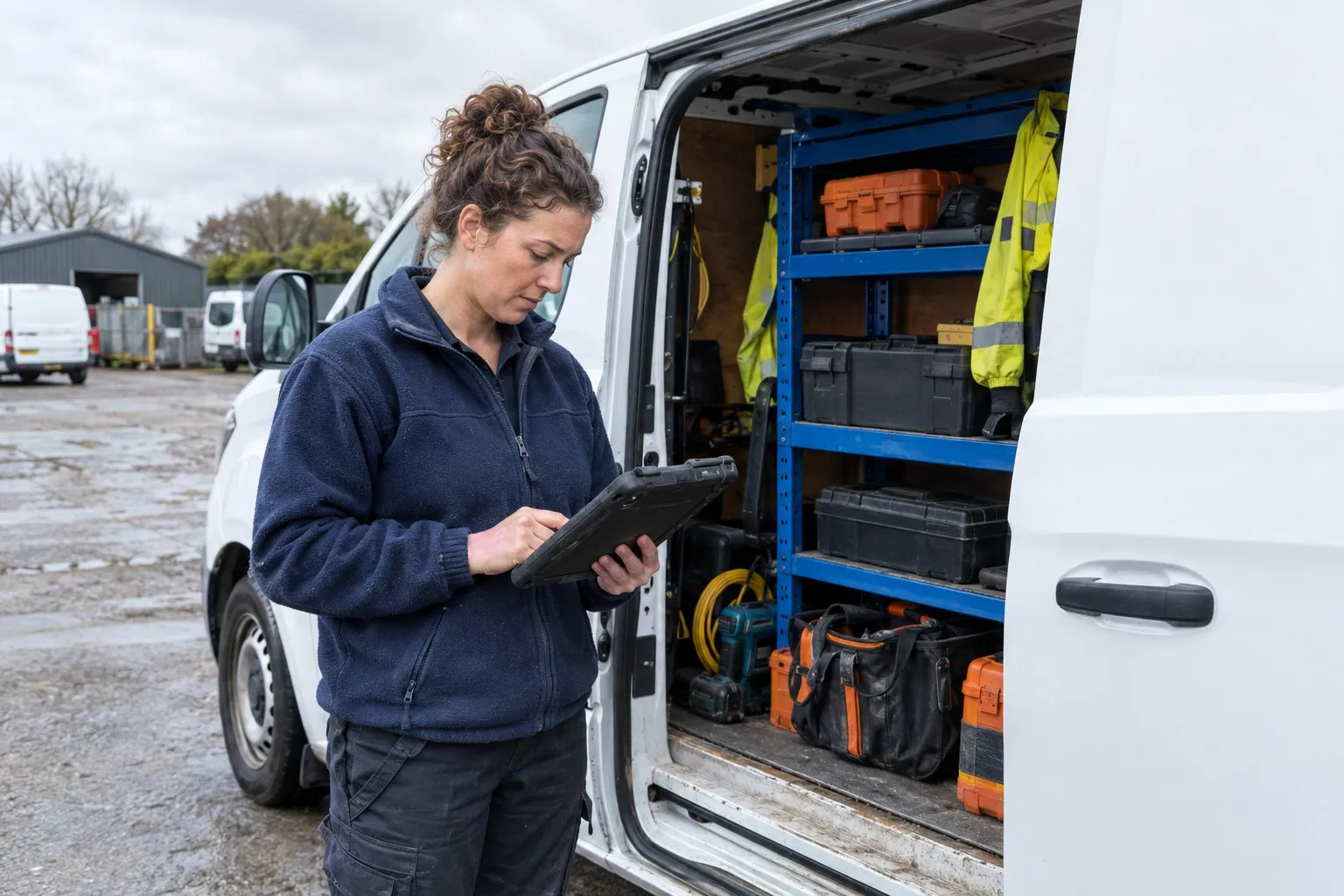
Continuous recording widens the record
Once the vehicle is running, continuous recording captures everything in view. Saving an event and recording continuously are different settings.
With cameras already fitted, the first job is finding out which mode each one runs in. If it records continuously, the reason for that goes in writing against your stated purpose.
Inside the cab, a higher privacy risk
The person viewing an inward-facing feed sees your driver and passengers. The ICO calls driver monitoring harder to justify in its “Monitoring workers” guidance, and it requires the same data protection impact assessment (DPIA) as CCTV in the workplace: a documented look, before any recording starts, at the risks to the drivers and passengers the cameras could capture.
Manufacturers’ UK pages, read on 6 October 2026, describe controls with different effects. Samsara offers a bright blue physical cover for the driver-facing lens. Teletrac Navman’s Smart Dashcam page describes a privacy mode that disables the inward camera while retaining event data and driver feedback; its US press release of 25 April 2025 says fleet managers pause the driver-facing video. Whatever the make, ask the supplier in writing whether the cab lens has a cover or a privacy mode, and who controls it.
A survey of professional drivers published by telematics supplier Geotab on 21 October 2025 reported that 87% of UK respondents were concerned about in-cab cameras, and 97% said they would overlook those concerns if footage could prove they were not at fault after a collision. Their concerns included footage used out of context and footage used against them in disciplinary action, at 34% each, and data security at 32%.
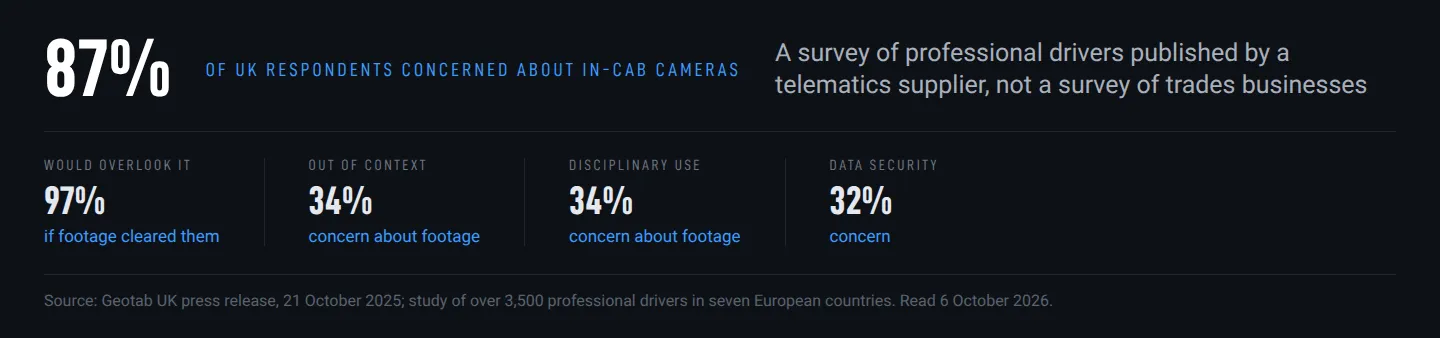
For the conversation with your technicians, the 97% points to the case worth making: the camera can clear them after a collision. Their two biggest worries, clips out of context and clips in a disciplinary, are the ones a written policy can answer.
If the cab lens has no written reason of its own, cover it or disable it, and name in the policy who can switch it back on.
Audio only in exceptional circumstances
If the camera can record sound, conversations in the cab can be picked up even when nobody means to record them. The ICO’s vehicle guidance warns of this in its logistics example.
The guidance says audio should be exceptional, perhaps operated by a trigger switch. Continuous activation requires strong, documented justification and a thorough risk assessment.
The first thing to establish is whether the cameras you bought can record sound at all. If you need audio, your policy should name who may use the trigger switch and in which circumstances.
Driver scores change what the camera is for
The manager opening a scorecard is assessing someone’s driving. Teletrac Navman describes individual driver scores and alerts for phone use or drowsiness. Samsara’s UK camera pages describe scores and coaching progress, plus optional live streaming from the dashboard.
That is a new purpose. UK GDPR article 5(1)(b) requires personal information to be collected for specified, explicit and legitimate purposes and not reused in a way that is incompatible with them. Article 8A lists what decides compatibility, and two of its factors are about your technician: the context in which you collected the information, including your relationship with them, and the possible consequences for them.
The ICO’s purpose-limitation guidance, updated 23 March 2026, puts it in plainer terms: a new purpose that is very different from the original, would be unexpected or would have an unjustified impact on the people involved is likely to be incompatible. You must update your privacy information and tell people before reusing their information. Telling technicians covers the notice; the new purpose still has to pass the compatibility test.
In Smallwood v Barrie Jones (Upholsterers) Ltd, a camera rule nobody had explained did not hold. One of the allegations against a driver dismissed by the small upholstery business was that he had taken the dashcam off, and the tribunal found he had never received any training or instruction on what the camera was for (decision of 30 July 2021, published on GOV.UK on 3 September 2021).
The tribunal found the dismissal unfair: the camera allegation had no proper investigation and no reasonable grounds, and the procedure fell outside the band of reasonable responses. It is a first-instance decision and binds no other tribunal. A driving clip used at a hearing follows the procedure for CCTV evidence in a disciplinary.
Before enabling scores or live viewing, the new purpose needs to be in your vehicle policy, alongside the rest of your rules for running the business, and technicians need to hear about it before their information is used for it. The policy should also say whether driving clips may be used in disciplinary proceedings.
Outside your technician’s front door
If you allow private use of the van, the ICO’s monitoring guidance says you will rarely be able to justify monitoring during it.
For vehicles used for personal journeys, the small-business page says cameras should be switched off during non-working hours; the formal vehicle guidance calls continuous recording during private use outside working hours likely to be excessive. In both of the ICO’s worked examples, the option to deactivate recording sits with the driver.
Samsara describes its Privacy Button as a GPS control, not a camera switch. Its UK dashcam datasheet advertises up to 12 hours of video after a trip ends. The question for any supplier is what each camera still records once the engine is off, and for how long.
In Smallwood, the tribunal found the worker’s personal use of the van was authorised, and that removing the camera during it was not serious misconduct; he had never been told it was meant to stay in place.
The ICO pages neither define non-working hours nor settle the home-to-first-job journey or the case of a van kept at home without permitted private use. You still need to justify surveillance during those periods and must inform workers and passengers about vehicle monitoring.
For the van that sleeps outside your technician’s house, what the guidance does say gives a working rule. If they may use it privately, the camera goes off after the last job, or the switch is theirs, as in the ICO’s examples. If they may not, overnight recording needs a written reason of its own, or the camera stays off.
The policy then needs three answers: what still records with the engine off, whether the camera goes off after the last job, and whether the technician holds the switch.
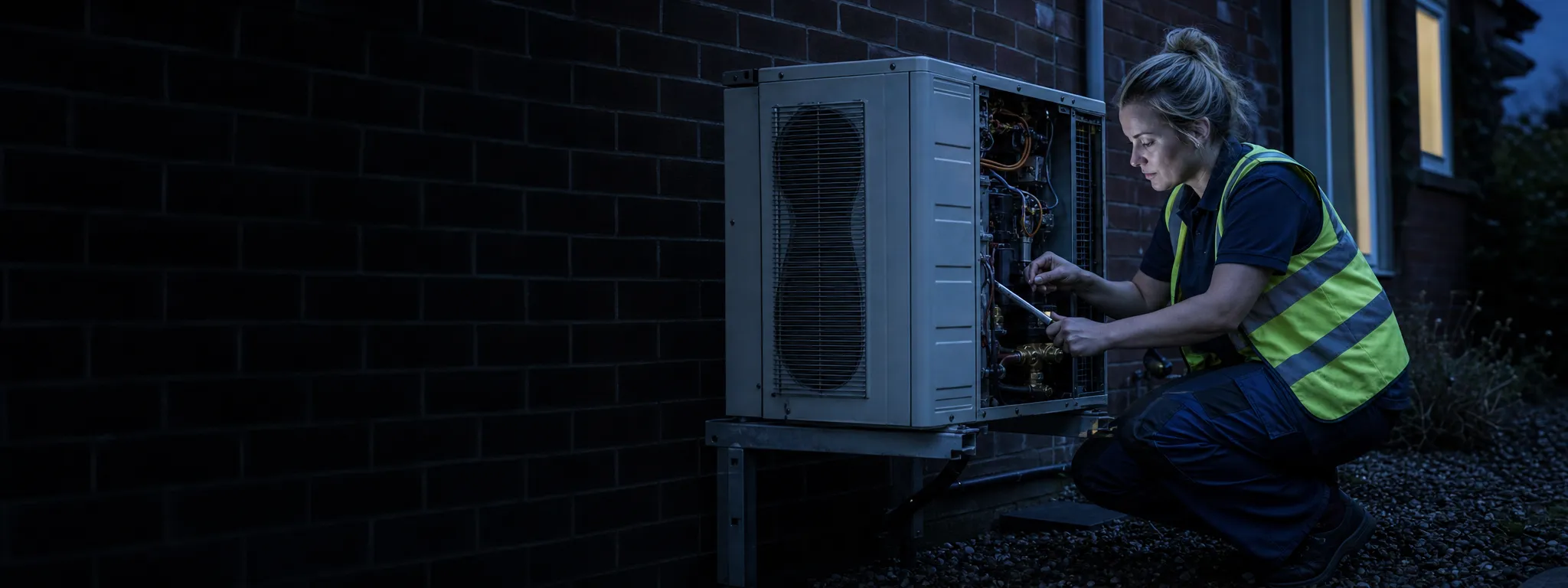
By evening, the van is outside your technician’s front door. A camera still running there may be watching the street or whoever gets into the passenger seat.
Trade resources for tradespeople, straight to your inbox.
Occasionally we will send you a newsletter. Free, unsubscribe in one click.
Keep reading
Recording in a customer's home: who answers for each camera
Your technician can record a job and be recorded on the same visit. The business's camera is never covered by the household exemption for purely personal use; the customer's camera often is, but not always.

Will AI replace electrical estimators? The supplier's small print has a say
AI takeoff tools are reaching UK estimating desks. Their product pages promise speed; their terms keep qualified review in the job. Counting, measuring, pricing and exclusions each come out differently.
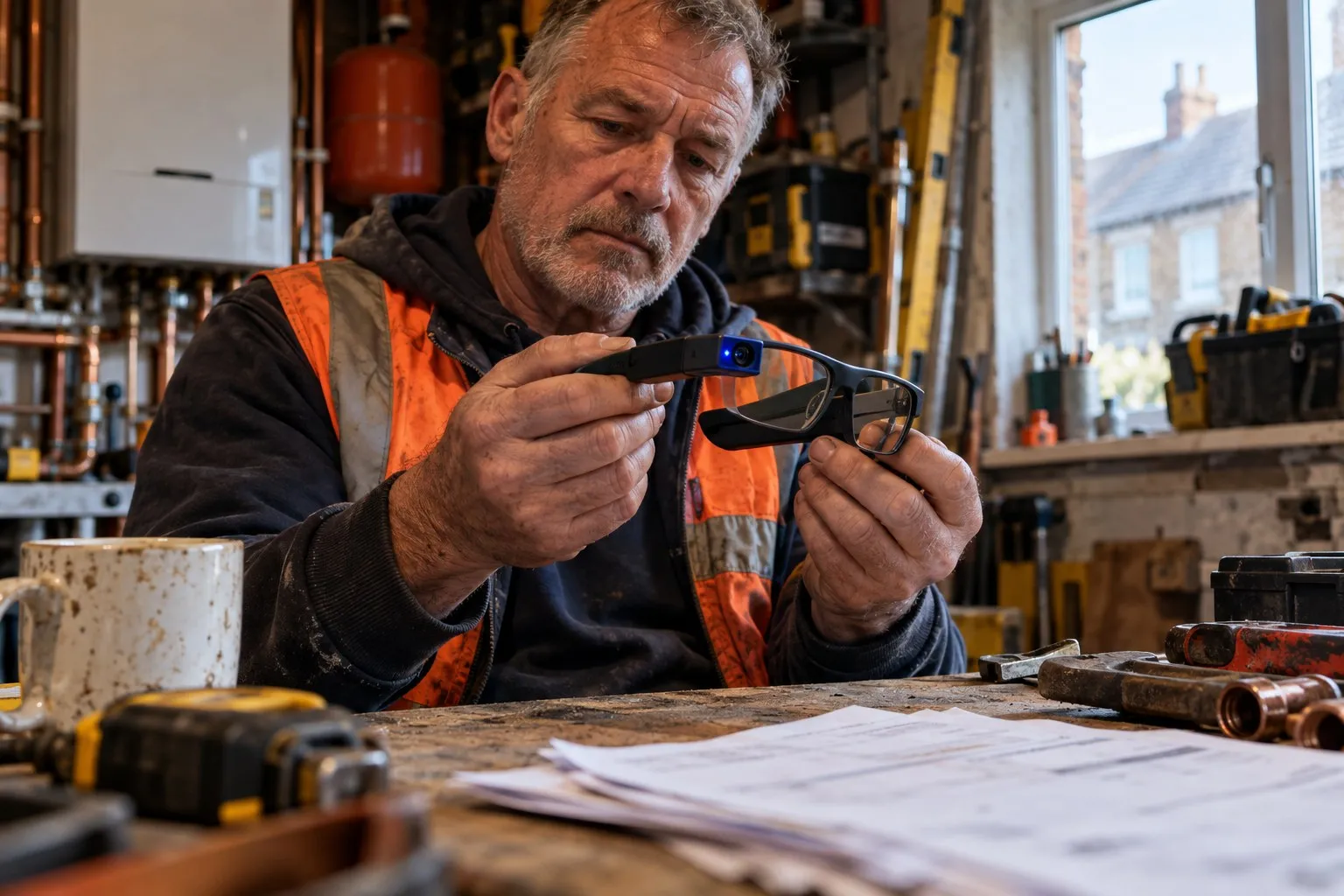
Are smart glasses allowed at work? The gap in the privacy regulator's guidance
The privacy regulator's guidance names body cameras, not glasses. Your decisions start before purchase and get harder when an employee brings their own pair.